Black Friday Product Visuals with AI: A Practical Guide (2026)
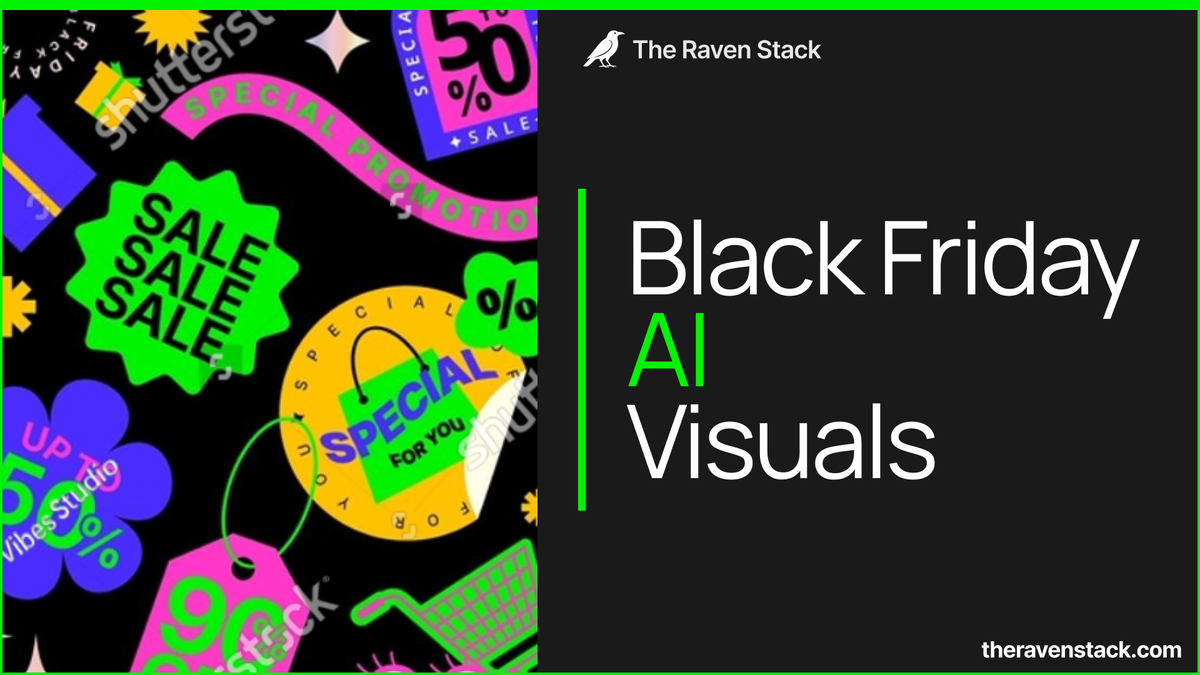
The short answer: Black Friday is November 27 and Cyber Monday is November 30, 2026. Visuals for those promotions need to be ready a week before, so the real deadline is around November 20. This guide walks through the steps to produce banners, product thumbnails, and ad creatives in one workflow, whether you use Riverflow or another tool.
The timeline
- By November 20: finish all visuals, get them approved, and upload them to your store and ad accounts.
- November 21 to 26: publish, test ads, and fix any issue with the product images.
- November 27 to 30: monitor, swap underperforming creatives, and keep the best ones live.
Starting late is the most common mistake. Visual changes take longer than they look, especially when they need approval from several people.
Step 1: prepare your source photos
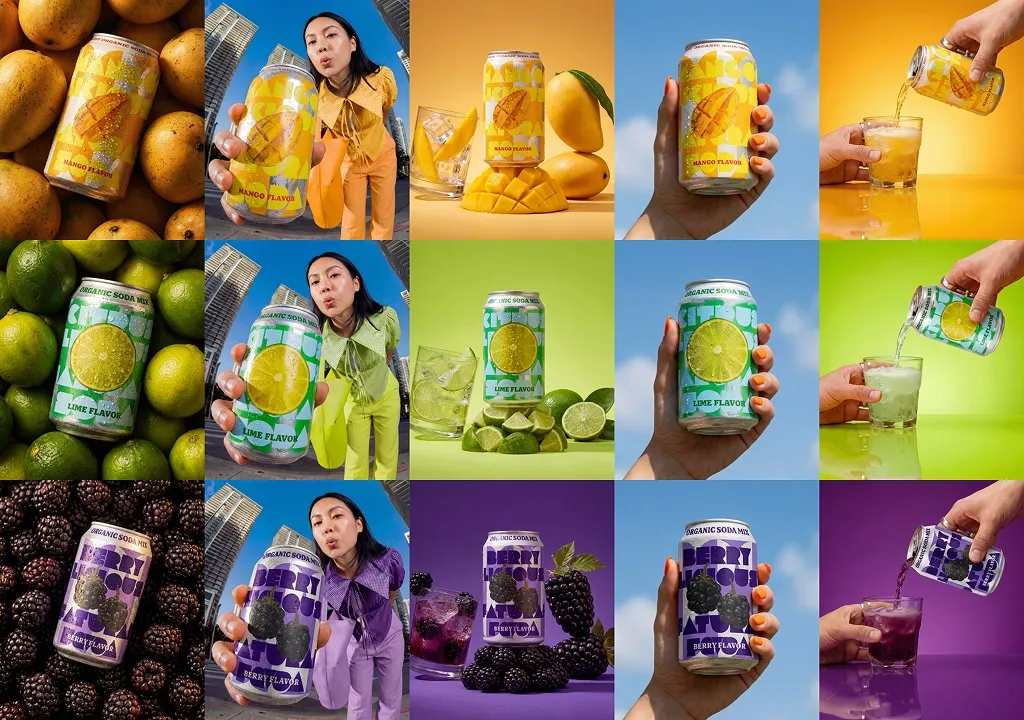
AI generation works best when the product itself is clear and accurate.
- Use the sharpest photo you have, with the product fully visible.
- Keep labels, logos, and key details readable.
- Avoid heavy filters or retouching, which can distort the product.
- Save one clean photo per product from the front, and a second angle if you have one.
Step 2: decide which visuals you need
List every format you'll publish before you start generating. A typical Black Friday set includes:
- Store banner: a wide hero image with a promotional message.
- Product thumbnail: a square or 4:5 image for collection pages.
- Ad creative: a vertical or square image for Meta and Google placements.
- Email header: a short, wide image for your promotional email.
Generating only the formats you actually use saves credits and time.
Step 3: generate the scenes
Riverflow lets you generate on-brand scenes from your product images. For holiday and promotional work, describe the setting and mood in the prompt: a warm seasonal background, a clean studio look, or a lifestyle setting that matches your brand. Keep the product unchanged in every version.
Generate a small batch first, then pick the best results before producing more. Reviewing early saves credits.
Step 4: add promotional text and offers
Put your offer text, such as the discount amount and end date, in editable layers rather than baking it into the image. That way you can change a price or deadline without regenerating the scene. Check every price and date against your store settings before publishing.
Step 5: adapt each format for each channel
- Shopify and other stores: follow the image size and file-type guidelines your theme recommends.
- Amazon: follow Amazon's image policy. The main image must show the real product on a pure white background, and promotional text is not allowed on the main image.
- Meta and Google ads: check each placement's text-to-image rules and keep the product clearly visible.
Step 6: check accuracy before you publish
- Does the visual match the real product, including color, shape, and labels?
- Are the prices, discount amounts, and dates correct?
- Does the image comply with each marketplace's policy?
If any answer is no, regenerate the visual or use the original photo.
Tools for the job
Riverflow is built for campaign and catalog work: brand rules, layered text, and batch production. If you only need background removal, a simpler tool will be cheaper. You can start with the monthly plan (30% off the first month until November 20, 2026, see the offer below) or the annual plan (currently 25% off).
Try Riverflow with the Black Friday offer →
Prices before any promotion: Growth $99/month, Scale $249/month, Business $999/month. Confirm them on Riverflow's pricing page before buying, since they can change.
FAQ
When should I start producing Black Friday visuals?
Start two to three weeks before the event. Finish by November 20 so you have time to fix problems.
Can I reuse holiday visuals after Black Friday?
Yes, if the offer and dates in the image are removed or replaced. Use neutral seasonal scenes for the rest of the year.
Do marketplaces accept AI-generated product images?
Each marketplace has its own rules. Read the image policy for the platform you sell on and make sure the visual accurately shows the product.
Final checklist
- Source photos are sharp and accurate.
- Each format is produced once and approved.
- Offer text and dates are correct.
- Every image follows the rules of its channel.
- Visuals are uploaded by November 20.