Fyxer vs Superhuman (2026): Which AI Email Tool Wins?

Last updated: October 22, 2026. Fyxer prices come from fyxer.com/pricing. Superhuman prices come from its Mail plans as reported by several 2026 pricing trackers, so confirm them on superhuman.com before you buy. All prices are in USD.
Quick verdict: Superhuman makes you faster at email. Fyxer does more of the email work for you.
If you want less time in your inbox and fewer follow-ups after meetings, Fyxer is the better fit. If you want a fast, keyboard-first email app and you are happy to switch, Superhuman is the better fit.
👉 Start your 14-day Fyxer trial and get 20% off your first 2 months →
This AI email tool comparison is really a choice between speed and delegation. If you are comparing superhuman alternatives, that difference matters more than the marketing.
Fyxer vs Superhuman in one minute
Superhuman is a separate email app. You sign in to it, and it sits on top of your Gmail or Outlook account. It is built for speed: a split inbox, more than 100 keyboard shortcuts, snippets, Superhuman AI writing, and email summaries.
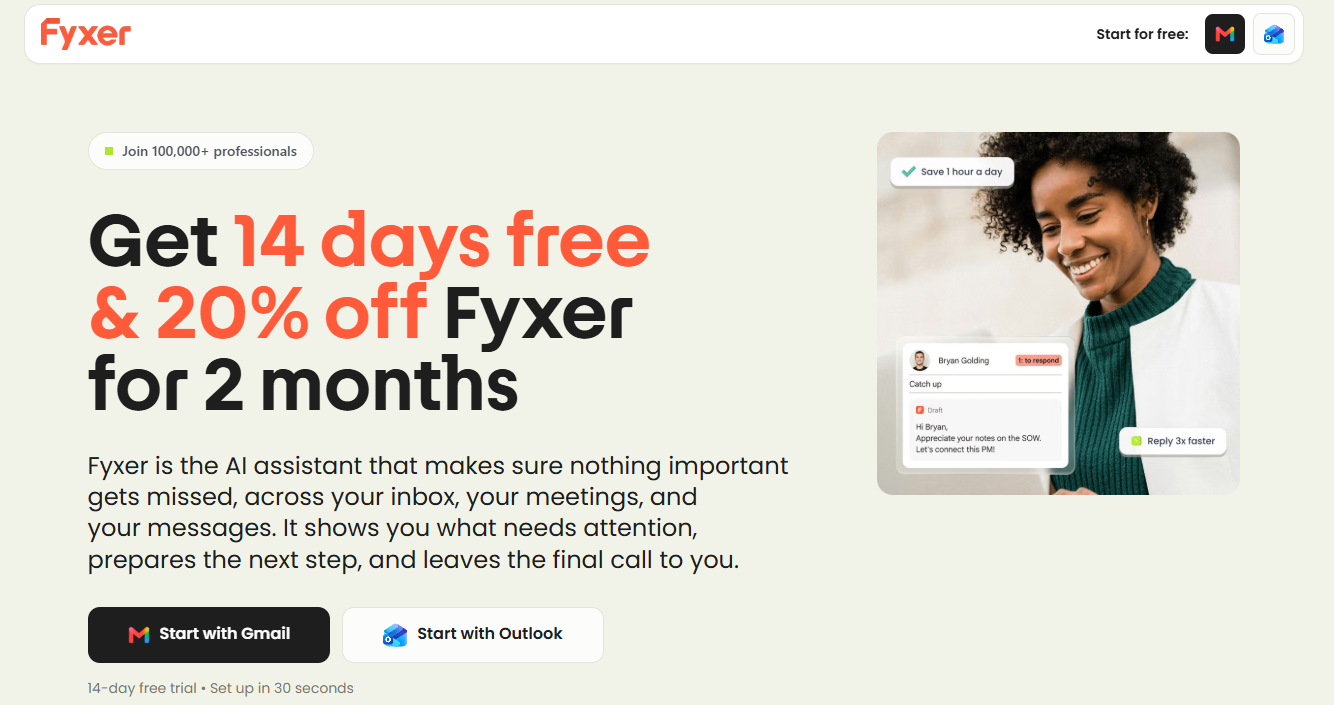
Fyxer is an assistant that works inside Gmail or Outlook. Nothing about where you read email changes. It labels your inbox, drafts replies in your tone, sends an AI meeting notetaker to your video calls, and keeps follow-ups up to date.
The simplest way to remember the difference:
- Superhuman speeds up the work you do.
- Fyxer takes some of that work off your plate.
If you want a Gmail AI assistant or an Outlook AI assistant without changing apps, Fyxer fits better.
Neither tool sends email on your behalf without you. Fyxer says this directly: it drafts replies in your inbox, and you decide what gets sent.
Fyxer vs Superhuman: side-by-side comparison
| Category | Fyxer | Superhuman Mail |
|---|---|---|
| What it is | AI assistant inside your existing inbox | Separate, fast email app |
| Works with | Gmail and Outlook | Gmail and Outlook |
| Do you switch email app? | No | Yes |
| Inbox sorting and labels | Yes, on Pro and above | Auto Labels; Custom Auto Labels with AI on Business |
| Replies drafted in your tone | Yes, on Pro and above | AI replies on Starter; Auto Drafts on Business only |
| Meeting notetaker | Yes, joins your calls on Free and above | I found no built-in meeting recorder |
| Follow-up list | Yes, kept up to date | Reminders and follow-up nudges |
| Keyboard-driven speed | No, you use your normal inbox | Yes, its main strength |
| Ask AI about your email | Fyxer Chat, uses credits | Ask AI, Business only |
| CRM integrations | HubSpot-type context via Spaces and integrations | HubSpot and Salesforce on Business |
| Free option | Free plan, plus 14-day trial | The free Superhuman suite tier does not include Mail |
| Pricing model | Per seat, with monthly credits | Per seat, two tiers |
Superhuman vs Fyxer: pricing
Price is where people expect Fyxer to lose, so here are the actual numbers. If you are comparing superhuman pricing with Fyxer pricing, the gap is smaller than it looks at first.
| Plan | Monthly billing | Annual billing, per month | Yearly cost |
|---|---|---|---|
| Fyxer Pro | $49 | $37 | $444 |
| Superhuman Starter | $30 | $25 | $300 |
| Superhuman Business | $40 | $33 | $396 |
Fyxer Pro is more expensive than either Superhuman tier. The gap against Superhuman Business, the tier that includes Auto Drafts and Ask AI, is $4 a month on annual billing and $9 a month on monthly billing.
What that price difference buys you is different, though:
- Superhuman Starter plan ($25 annual) gives you the fast client and core AI features, but not Auto Drafts, Ask AI, or custom AI labels.
- Superhuman Business ($33 annual) adds those AI features, CRM integrations, and an MCP server.
- Fyxer Pro ($37 annual) adds meeting recording, a drafted follow-up email after each meeting, a follow-up list that updates as things change, and automatic inbox sorting, without changing your email app.
If you take calls and send follow-ups every week, the real comparison is not Fyxer against Superhuman alone. Fyxer against Superhuman plus a separate meeting-notes tool. Added that way, the gap narrows or disappears.
Fyxer uses credits, so check your usage
Fyxer's paid plans include a monthly credit allowance: 3,000 credits per paid member on Pro. Sorting is cheap, at 5 emails per credit. Recording is 1 credit per minute, and each chat message is 20 credits.
During the launch offer, you get unlimited credits for your first 3 months. After that, the allowance applies. Our Fyxer pricing and credits guide shows how far 3,000 credits goes.
👉 Try Fyxer free for 14 days and see your real usage before you pay →
Both tools learn from your sent mail so that drafts sound like you.
Fyxer builds a profile of who matters to you and how you write from the first day, then drafts replies in your inbox. Drafts appear under your normal reply box, so you review, edit, and send in Gmail or Outlook as usual.
Superhuman has AI replies on Starter and Auto Drafts on Business. Auto Drafts prepares follow-ups in your voice automatically, which is its closest match to what Fyxer does by default.
Honest caveat for both: AI drafts are a starting point. Reviewers say Fyxer's drafts may need editing or lack context, like any AI writing tool. The test is whether you spend less time per email, and that is what a trial is for.
Meetings: the biggest difference
This is where the two tools stop overlapping.
Fyxer's notetaker joins your video meetings like any other attendee. You choose the scope: all meetings, only external ones, only the ones you host, or none. After the meeting, you get a summary, a link to the recording, action items, and, on Pro and above, a drafted follow-up email. You can turn the drafts off.
The promises made in the meeting enter your follow-up list. If you want an AI notetaker for Zoom, Meet, or Teams, Fyxer does that.
I did not find a built-in meeting recorder in Superhuman Mail. If meetings generate a lot of your email, such as client calls followed by recap emails, this is a real gap.
If you are not in many meetings, this section will not matter much, and Superhuman's strengths count for more.
Fyxer vs Superhuman speed for power users

Photo by Sahand Babali / Unsplash
If you answer hundreds of emails a day and like working from the keyboard, Superhuman is built for you. It has a split inbox, more than 100 shortcuts, snippets, and an interface designed to keep you moving. Independent testers tend to give it the win on speed.
For inbox zero, Superhuman is the stronger inbox zero tool. It is a polished AI email client for people who want to live in their inbox and move fast.
One hands-on comparison of Fyxer, Superhuman, and Lindy summed it up as Fyxer giving you a cleaner inbox and Superhuman giving you a faster one.
Fyxer will not make Gmail or Outlook feel faster. It helps by organizing emails and preparing replies in advance, reducing the amount of work needed. These are two different ways to save time, so choose by how you prefer to work.
Setup and switching cost
Fyxer: you connect your Gmail or Outlook account and your calendar, and it starts learning. You keep using the same app, on desktop and mobile. If you do not like it, you can delete your account and your inbox goes back to how it was.
Superhuman: you move to a new email app. For some people, that is the whole point, since a new interface is what makes them faster. For others, especially teams, getting everyone to switch is the hardest part. One comparison notes that Fyxer works better for teams with mixed adoption levels, since nobody has to change habits.
Security and privacy
Fyxer says it is built around privacy and security, with SOC 2 Type II, ISO/IEC 27001, and GDPR compliance, HIPAA compliance available for Enterprise customers, and a promise that your data is not sold and that its AI providers cannot use it to train their own models. See Fyxer's Trust Center for details.
Superhuman sells to businesses and shares security info. Check their docs if you work in a regulated industry.
Who should choose Fyxer
Choose Fyxer if:
- You want an assistant that handles email, meetings, and follow-ups together.
- You are a consultant, agent, founder, or other client-facing professional who loses track of promises made on calls.
- You want an AI email assistant for Gmail or Outlook that keeps your current workflow.
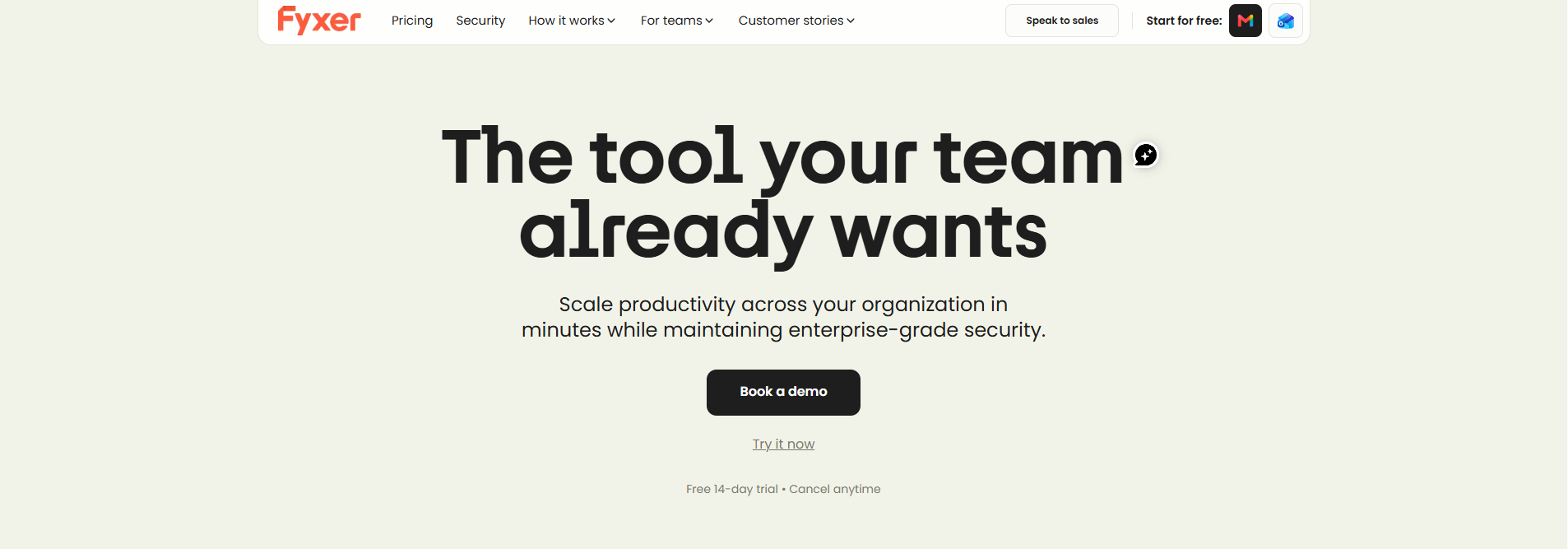
- You are rolling something out to a team and do not want to force a new app on anyone.
👉 Start your free 14-day Fyxer trial, with 20% off your first 2 months if you subscribe →
Who should choose Superhuman
Choose Superhuman if:
- Speed is what you want, and you are happy to learn a keyboard-driven app.
- You live in email and need CRM context from HubSpot or Salesforce inside your inbox.
- Meetings are not a big part of your workload.
- You want the lowest entry price for an AI-assisted email client.
What the independent comparisons agree on
Most write-ups, including superhuman review posts from competing vendors, land on the same conclusion: Superhuman wins on speed and polish, and Fyxer wins on delegation and meeting support. Pricing is close at the top end and cheaper for Superhuman at the entry level. That matches the numbers above.
Can you use both?
Technically they can sit on the same mailbox, because Fyxer works on the mailbox and Superhuman is a client. I have not tested that combination, and paying for both is hard to justify for most people.
A better approach is to try Fyxer's 14-day trial first. If you find that your inbox is already under control and speed is the problem, then consider Superhuman.
The cheapest way to start with Fyxer
- Start the 14-day trial. You get Team plan features and unlimited credits, so you can test it with real email and meetings.
- Use the partner link. This link gives you 20% off your first 2 months if you decide to subscribe.
- Check your credit use. Look at how many meeting hours and sorted emails you used, then pick Pro or Team.
- Pick annual billing when you are sure. Annual billing is $37 a month on Pro instead of $49, a saving of about 25%.
If you do not subscribe, you move to the Free plan. It includes 400 credits a month, but it does not sort your inbox or draft replies.
👉 Claim your 20% off and start the Fyxer trial now →
FAQ
Is Fyxer better than Superhuman?
It depends on the job. Fyxer is better if you want an assistant that sorts email, drafts replies, and handles meeting notes and follow-ups. Superhuman is the best choice for the fastest possible email app.
Is Fyxer cheaper than Superhuman?
Fyxer Pro costs $37/month annually ($49 monthly), while Superhuman Starter is $25 ($30) and Superhuman Business is $33 ($40). But Fyxer includes meeting notes and does not require a new email app.
Does Superhuman take meeting notes?
I did not find a built-in meeting recorder in Superhuman Mail. Fyxer's notetaker joins Meet, Zoom, and Teams calls.
Do Fyxer and Superhuman both work with Gmail and Outlook?
Yes. Fyxer connects to Gmail or Outlook, and Superhuman says Mail is built for teams that use Gmail or Outlook.
Which one is better for teams?
Fyxer's Team plan adds shared Spaces, assigned follow-ups, and reporting, and nobody has to change email app. Superhuman works well for teams that agree to adopt it together and want CRM integrations.
Does Fyxer have a free plan?
Yes: 400 credits a month, but no automatic inbox sorting or reply drafts. The 14-day trial gives you the full Team feature set.
Can I get a Fyxer discount?
Yes. Our link gives you 20% off your first 2 months. See our Fyxer promo code guide for details.
Final verdict
If email is slowing you down, Superhuman is a polished, fast way to get through it. If email, meetings, and follow-ups together are eating your day, Fyxer is the more complete answer, and it asks nothing of you except connecting your inbox.
The best AI email assistant depends on your workflow. At about $4 a month more than Superhuman Business on annual billing, and with a free 14-day trial, the easiest way to decide is to try it on your real workload.
👉 Start your 14-day Fyxer trial now: 20% off your first 2 months →
Q&A
Question: What is the main practical difference between Fyxer and Superhuman?
Short answer: Superhuman is mainly a faster email client, while Fyxer is more like an assistant layered onto your existing inbox. Superhuman helps you process messages quickly with shortcuts, snippets, a split inbox, and AI features. Fyxer focuses on reducing the work itself by sorting emails, drafting replies, recording meetings, and keeping follow-ups updated.
Question: When is Fyxer worth paying more for than Superhuman?
Short answer: Fyxer makes the most sense when meetings and follow-ups are a major source of email work. Although Fyxer Pro costs more than Superhuman Business on annual billing, it includes meeting recording, summaries, action items, drafted follow-up emails, and an updating follow-up list. If you would otherwise pay for a separate meeting-notes tool, the price gap may narrow or disappear.
Question: Who should avoid Fyxer and choose Superhuman instead?
Short answer: Choose Superhuman if your biggest problem is email speed rather than email delegation. It is the better fit for people who handle large email volumes, enjoy keyboard shortcuts, want a polished standalone email app, and do not need built-in meeting notes or follow-up tracking.
Question: What should you test during the Fyxer trial?
Short answer: Test Fyxer on your real inbox and real meetings. - Review if labels are helpful.
- Review if edited reply drafts save time.
- Review the accuracy of meeting summaries and follow-up drafts.
- Review the workload credits used. That gives you a clearer answer than comparing feature lists alone.
Question: Can a team adopt Fyxer more easily than Superhuman?
Short answer: In many cases, yes. Fyxer works inside Gmail or Outlook, so team members do not have to change email apps or learn a new interface. Superhuman can benefit teams if everyone is open to using the client and its workflow.