
TesterArmy Review (2026): Pricing, Features and Who It's Really For

Last updated: October 2026
Quick verdict: TesterArmy is an AI QA agent that tests your website or mobile app by following plain-English instructions in a real browser or on a real device build, with no test scripts to maintain. It's a strong fit for small, fast-shipping teams, especially those building with AI coding agents. It's less compelling if you want code-level control, fully deterministic tests, or a very low entry price beyond the free trial.
👉 Try TesterArmy free (5 test runs, no credit card)
What is TesterArmy?
TesterArmy is an automated QA tool built around AI agents. Instead of writing Playwright or Cypress code with selectors you'll have to fix every time the UI changes, you describe a user flow in plain language, for example "log in, create a new API key, verify it's displayed, take a screenshot." An AI agent then opens your app, performs those steps like a human would, and reports back with screenshots, recordings and a bug report.
The company is backed by Y Combinator (listed as P26) and counts teams like Novu, Resend, bolt.new, Rork and Juno among its customers on its website.
All it needs to test your app is a URL for web, or a compiled build for mobile. It doesn't require access to your source code.
How TesterArmy works
1. You write tests as short flows
Each test is a list of steps, each labelled as an action (Act), an assertion (Assert) or a screenshot, plus a platform and an environment. For example:
- Act: Navigate to the API Keys settings page
- Act: Create a new API key
- Assert: Verify the new API key is displayed
- Screenshot: Capture the newly created key
You can write these by hand in the dashboard, let the agent explore your app and propose tests, or create them from your coding agent (more on that below).
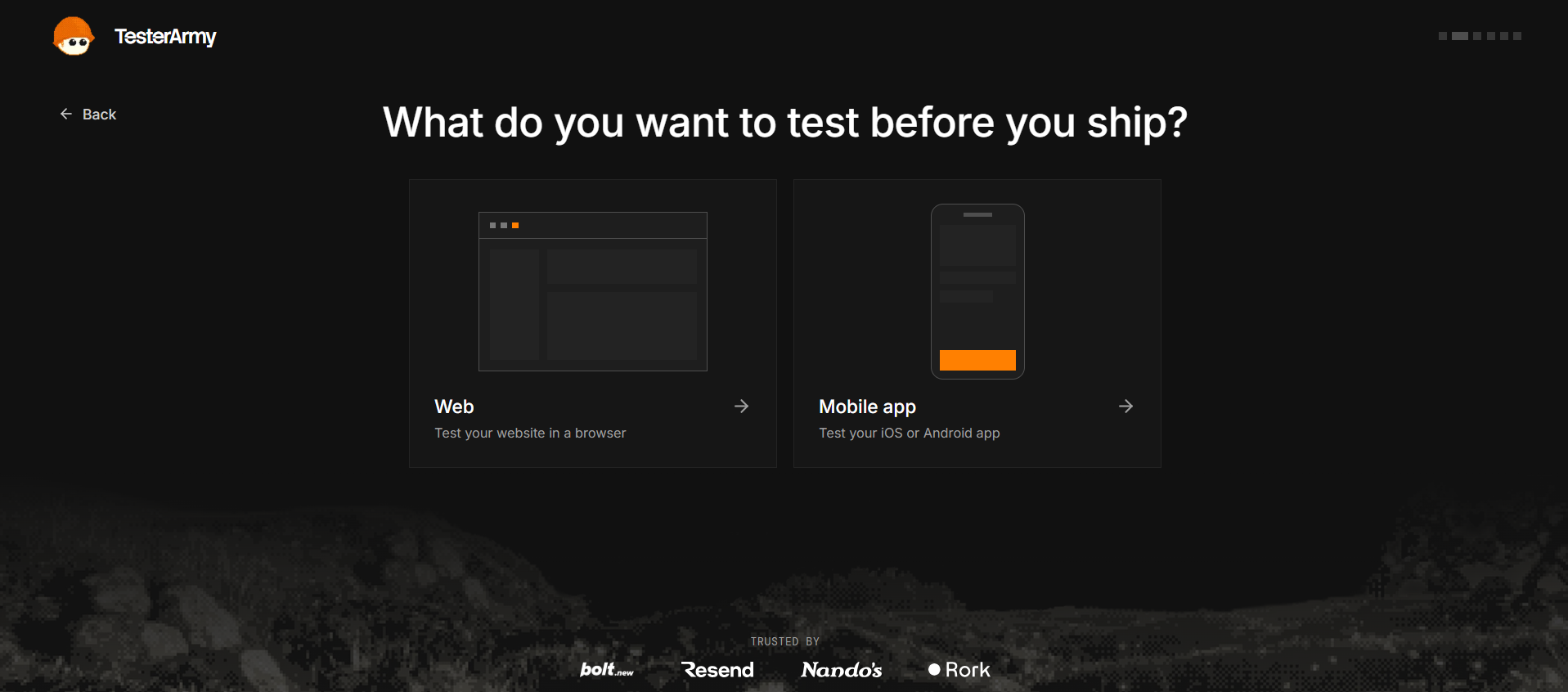
2. It runs on web or on real mobile builds
- Web: the agent opens your app in a real browser and clicks through it.
- iOS and Android: you upload the build your pipeline already produces (such as an APK) and the same flow runs on a device.
It also lists dedicated pages for React Native, Expo, WordPress and e-commerce testing.
3. Authentication is handled for you
Login walls are where many QA attempts die, and TesterArmy addresses this directly with "Test Accounts." The auth methods listed include:
- Username and password
- Google and GitHub OAuth
- Magic links and email OTP (via dedicated inboxes for each agent)
- Phone/SMS one-time codes
- A custom method where you tell the agent how to log in
Credentials are stored encrypted (AES-256-GCM at rest, according to the FAQ).
4. Tests run wherever you ship
The same tests can be triggered:
- On every pull request: a TesterArmy check appears on the PR with a link to the run.
- In CI: a CLI command (
ta ci) runs after deploy and writes results to a file. GitHub Actions and GitLab CI are mentioned, along with any pipeline that can call a webhook. - On a schedule: every hour, 3, 6 or 12 hours, daily, weekly, or a custom schedule, against production.
- Manually from the dashboard.
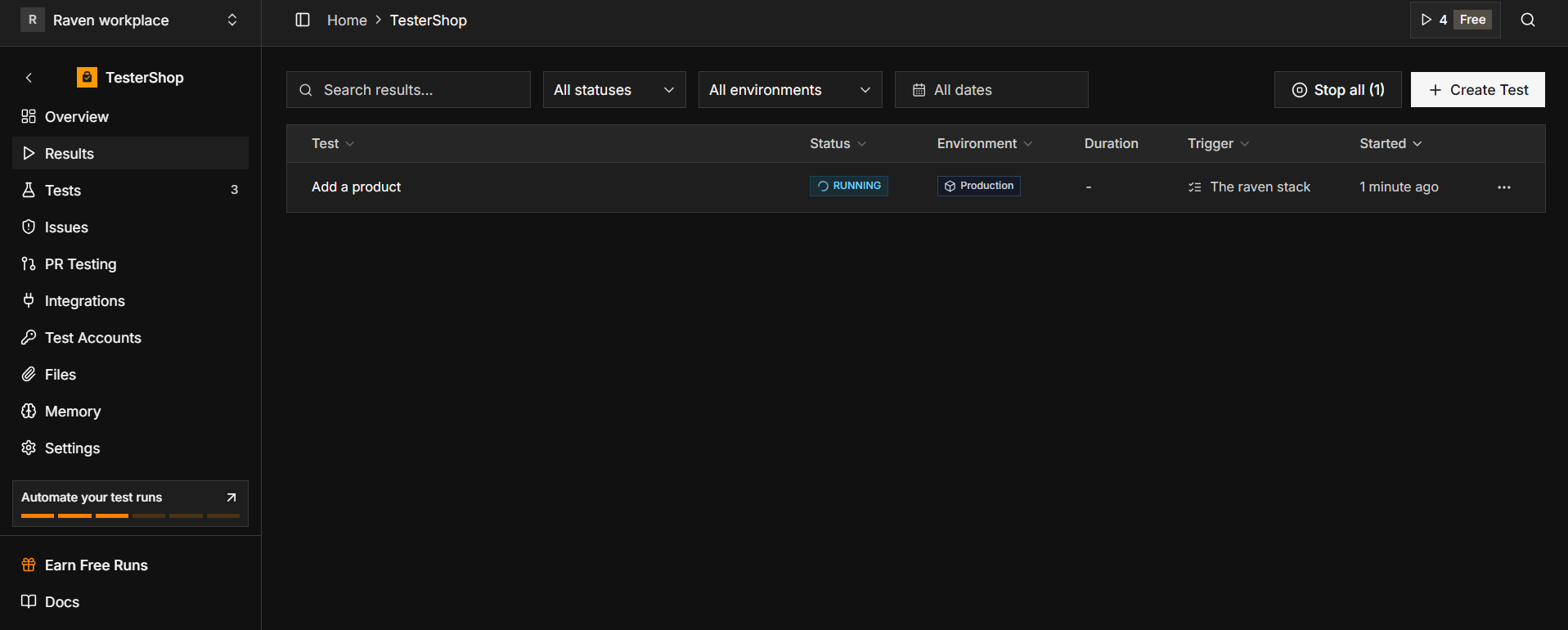
All runs land in a single Results table, with status, platform, environment and trigger.
5. Alerts and reports
A failed test can send a Slack message naming the test, the step it failed on and what the agent actually saw, with a link to the run. You also get screenshots and recordings in the dashboard.
6. Built for coding agents
This is the most interesting angle for 2026. Claude Code, Codex and Cursor can connect to TesterArmy through a single MCP endpoint. Your coding agent can create a test, run it against staging and read the report without you leaving the session. If you build with AI-generated code, this closes the loop between "the agent wrote it" and "someone checked it works."
My hands-on experience
I tested TesterArmy on a small SaaS landing page with a signup flow and a logged-in dashboard using the free plan (5 runs). Here's how it went.
Setup: from sign-up to first run in about 6 minutes
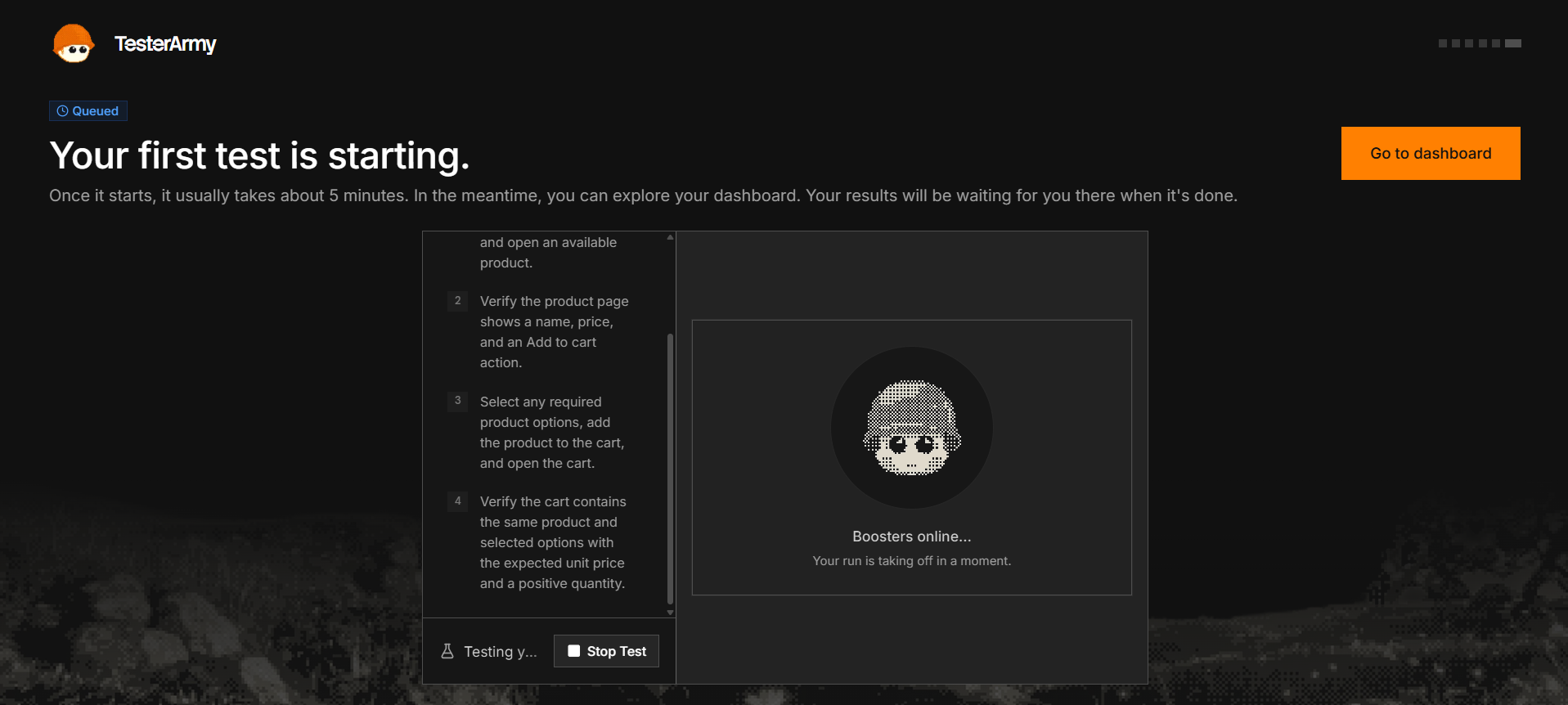
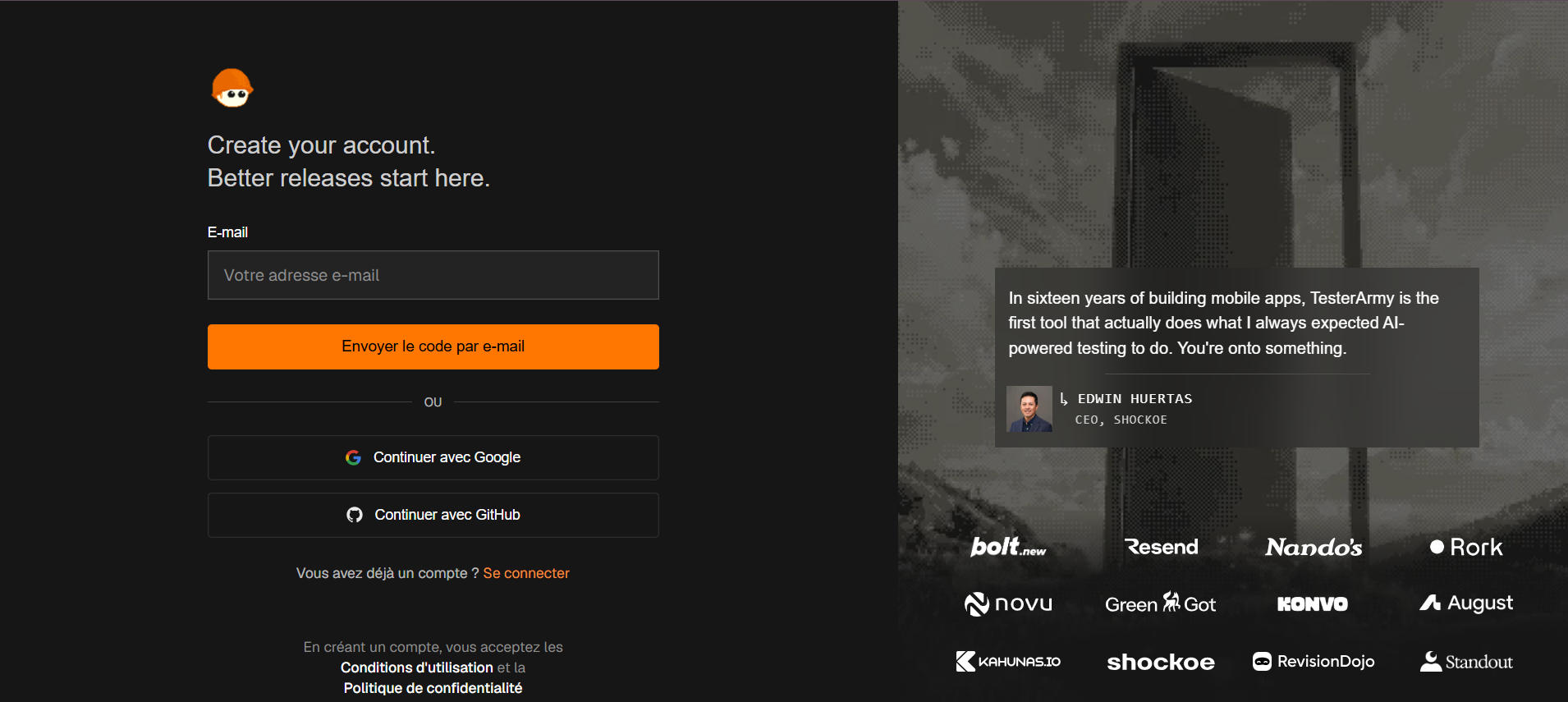
Creating the account and a project took 2 minutes. I pasted my staging URL, and the dashboard offered to either write a test manually or let the agent explore the app. I chose the manual route to see how the step editor works. My first test was running within 6 minutes of signing up.
Test 1: a simple public flow (no login)
What I wrote:
- Act: Navigate to the homepage
- Assert: Verify the main headline and pricing section are visible
- Act: Click the "Get started" button
- Assert: Verify the signup form appears with email and password fields
- Screenshot: Capture the signup form
Result: Passed in 1 min 48 s. The run page showed each step with a screenshot, so I could see exactly what the agent saw at every point. The step descriptions were clear enough that I could share the run link with a non-technical teammate.
Test 2: a flow behind a login
This is where most testing tools get painful, so I set up a Test Account with email and password and wrote a test to open the dashboard and create a new project.
Result: It failed on the first attempt because my login button had a non-obvious label, and the agent didn't recognise it. After I rewrote the step more explicitly ("Click the blue 'Sign in' button in the top right"), it passed in 2 min 31 s.] The lesson: plain English works well, but specific wording still helps when your UI is ambiguous.
Test 3: a deliberately broken assertion
To check the quality of the failure reports, I added an assertion I knew would fail: "Verify the page says 'Welcome back, Alex'" when the real text said "Welcome, Alex".
Result: The run failed on that exact step, and the report showed the expected text, what actually appeared, and a screenshot of the page. It was clear and actionable, with no digging through logs.
Stability: running the same test twice
I re-ran Test 2 twice to check consistency. Both runs passed with similar durations (2 min 29 s and 2 min 40 s). That's a small sample, so I wouldn't draw strong conclusions, but it's a positive early sign.
Quota usage
Across these tests, I used 5 of my 5 free runs. That was enough to judge the basics, but a team testing every pull request would exhaust the free plan in a day.
What impressed me and what didn't
What impressed me:
- How fast the first test was running
- The readable step-by-step reports with screenshots
What I'd want improved:
- Ambiguous UI elements sometimes need more precise wording
- The jump from 5 free runs to the $99/month plan feels steep for casual testing
TesterArmy pricing
Pricing below is from the official pricing page at the time of writing. Yearly billing saves you 15%. Check the live page before buying.
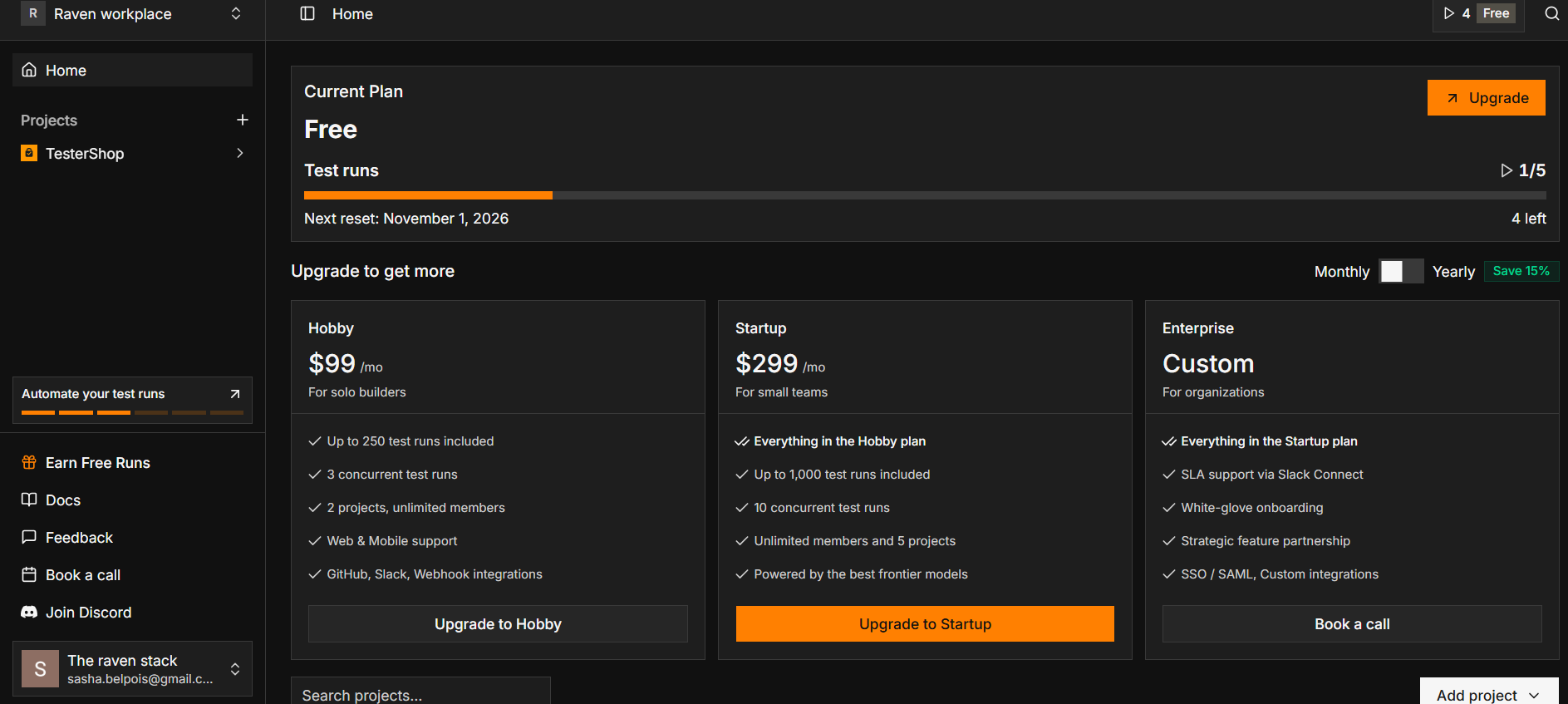
| Plan | Price | Test runs | Concurrent runs | Projects | Notes |
|---|---|---|---|---|---|
| Free | $0 | 5 | 1 | 2 | No credit card, web and mobile |
| Hobby | $99/mo | Up to 250 | 3 | 2 | GitHub, Slack and webhook integrations |
| Startup | $299/mo | Up to 1,000 | 10 | 5 | Unlimited members, "best frontier models" |
| Enterprise | Custom | Custom | Custom | Custom | SSO/SAML, SLA via Slack Connect, onboarding, custom integrations |
What counts as a run? Each run counts as one, whether it's triggered from chat, the CLI, a GitHub deployment or a schedule, with up to 20 minutes of execution time per run.
What happens at the limit? New runs are blocked until your quota resets on the 1st of the next month, unless you upgrade or contact the team.
Is the pricing fair? It depends on your volume. 250 runs per month on Hobby works out to roughly 8 runs per day. If you run tests on every pull request and also monitor production hourly, you'll burn through that quickly, so count your expected runs before choosing a plan. For my project, 5 flows × 2 PRs/day + daily prod check = about 220 runs/month.
Pros
- No scripts to maintain. Plain-language tests avoid the selector maintenance that makes traditional E2E suites painful.
- Web and native mobile builds under the same test format, not just browser testing.
- Authentication is a first-class feature (OAuth, OTP, SMS, magic links), which removes a common blocker.
- Fits modern workflows: PR checks, CI, scheduled production checks and MCP for coding agents.
- Black-box testing: no source code access is needed.
- Low-friction start: free trial without a credit card, and some users report a first test running in about two minutes (a testimonial on the vendor's site, not an independent benchmark).
- Security posture: the site displays SOC 2 Type 2 and GDPR badges.
Cons and limitations
- A big step from free to paid. The free plan is only 5 runs, and the first paid tier is $99/month. There's no small in-between plan.
- Run-based quotas can be restrictive for teams that test every PR and monitor production.
- AI-driven tests are less deterministic than code. The agent interprets your steps at run time, which is the whole point, but it also means you give up the exact, repeatable control a Playwright test gives you. For some critical flows, you may still want a classic test.
- A young company. It's a recent YC batch, so expect fast product changes, and check roadmap and support before betting a critical process on it.
- Customer results are vendor-reported. Figures like "50% fewer flaky tests" and "about 30% faster merges" in the Novu case study come from TesterArmy's own materials, so treat them as indicative.
- Some details aren't documented publicly, such as exact browser coverage and how it handles very large or complex flows.
TesterArmy vs Playwright and Cypress
Playwright and Cypress are frameworks: you write the tests, maintain selectors and debug flakiness. TesterArmy positions itself as a service that sits above that layer, where you describe the journey in English and it runs and maintains it. The vendor says the browser primitives underneath are similar, but there's no test code in your repo.
The trade-off is control vs convenience. If your team has strong test engineers and wants every assertion in version control, a framework may suit you better. If you have no QA capacity and want coverage fast, TesterArmy's approach saves a lot of time. (A deeper comparison is coming in TesterArmy vs Playwright.)
Who should use TesterArmy?
It's a good fit if you:
- Ship fast and have little or no dedicated QA
- Build with AI coding tools (Claude Code, Cursor, Codex, Lovable, Bolt) and need a safety net for AI-written code, see what are the best Ai powered code editors→
- Need to test logged-in flows, mobile builds, or checkout without writing code
- Want production monitoring and PR checks from one tool
You might want something else if you:
- Need fully deterministic, code-owned test suites
- Have very high test volumes on a tight budget
- Need an on-prem or highly customised setup (talk to their Enterprise team)
Is TesterArmy worth it? My verdict
For small teams and solo builders shipping quickly, TesterArmy removes most of the pain of E2E testing. The free trial is enough to know within an afternoon whether it catches real problems in your app, and the MCP integration makes it especially relevant if a coding agent writes much of your code. The main drawbacks are the jump to $99/month and the run-based limits, so estimate your usage first.
👉 Start testing for free with TesterArmy
FAQ
Is TesterArmy free?
There's a free plan with 5 test runs, 1 concurrent run and 2 projects, with no credit card required. Paid plans start at $99/month.
How much does TesterArmy cost?
Hobby is $99/month (up to 250 runs), Startup is $299/month (up to 1,000 runs), and Enterprise is custom. Yearly billing is advertised with a 15% saving.
Does TesterArmy need access to my code?
No. It tests your app as a black box, using a URL for web or a compiled build for mobile.
Can TesterArmy test mobile apps?
Yes. You upload an iOS or Android build, and the agent runs your flow on it. It also lists React Native and Expo support.
Can it handle logins and OTP codes?
Yes. It supports username/password, Google and GitHub OAuth, magic links, email OTP and SMS codes through test accounts.
Does it work with GitHub and CI?
Yes. It adds a check to pull requests, and a CLI command runs tests in CI after deploy. It also integrates with Slack and webhooks.
How is it different from Playwright?
Playwright is a framework you write and maintain code for. TesterArmy is a service where you describe tests in plain English and an AI agent runs them.
Can Claude Code or Cursor use TesterArmy?
Yes, through an MCP endpoint, so your coding agent can create tests, run them and read the report.